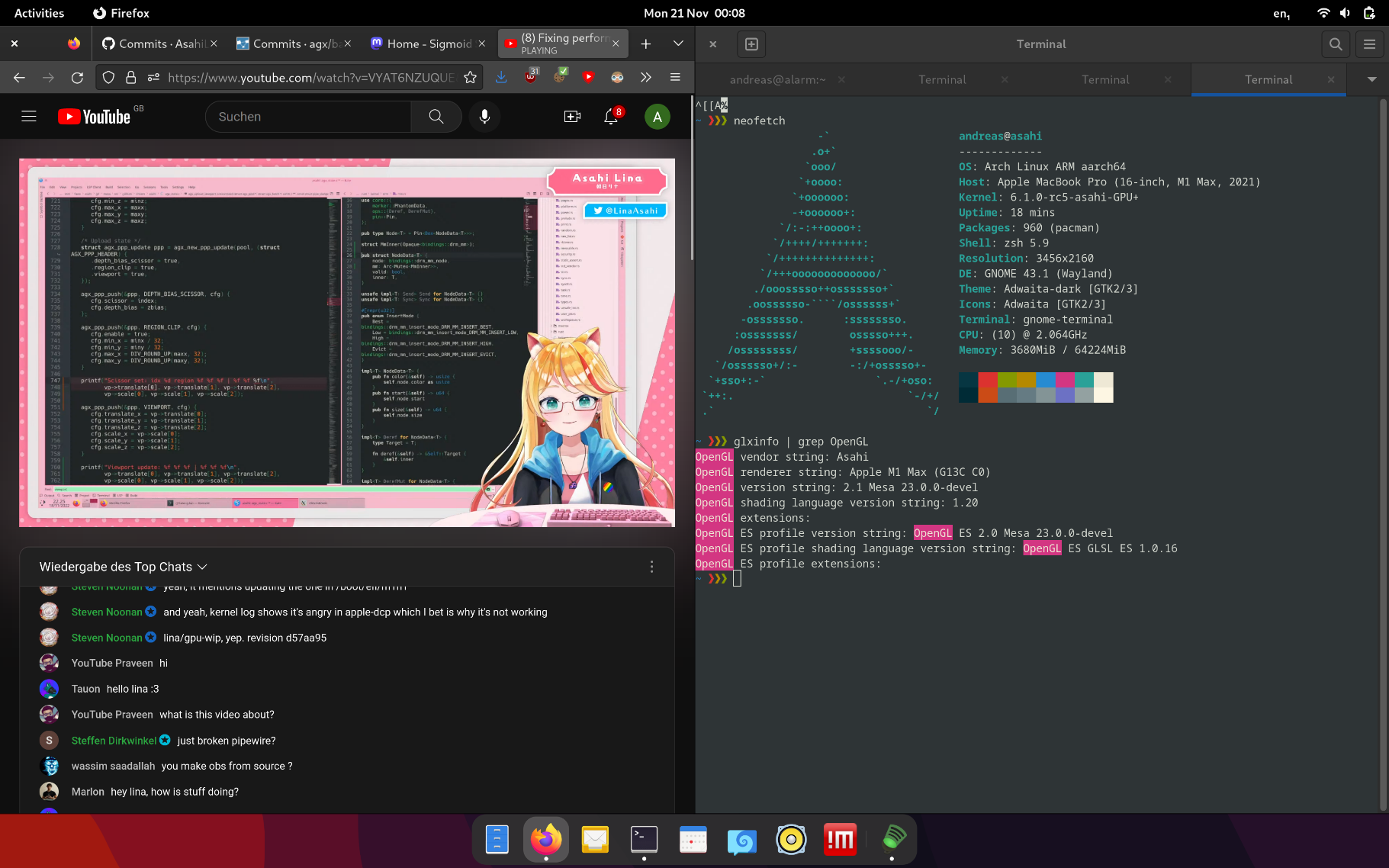
I'm running Asahi Linux on my macbook, and the trackpad feels amazing there! Especially pixel perfect scrolling and gestures in mutter.
I only have two minor issues:
There doesn't seem to be a working stop scroll event when using kinetic scrolling in Firefox. On osx you can stop kinetic scrolling by just touching the trackpad, but on linux you have to scroll a little bit to slow it down.
And generally the kinetic scrolling isn't yet consistent across applications. Firefox has a nice implementation, but it feels quite different from Gnome apps, and then some like gnome-terminal don't have working kinetic scrolling yet.
I'm running Firefox nightly on a Framework under Ubuntu, and kinetic scrolling stops with single finger tap on the trackpad. You have to do a tap, not just touch the trackpad, so it's a bit different than on Mac.
Ha, interesting, the scroll stopping is pretty much my only complaint, too. I suppose I've gotten used to it by briefly counter-scrolling at the end, but it'd be great not to have to do that.
In regards to gnome-terminal, you can try gnome-console instead which correctly supports kinetic scrolling. It's missing a lot of the settings that gnome-terminal has, so it may not meet your needs, but if you just want a simple terminal emulator it works well.
Man, that's so cool. When things became quiet around the GPU work and Alyssa said something along the lines of "we are very far away" I lost hope a bit. That hope is back!
> and Alyssa said something along the lines of "we are very far away" I lost hope a bit.
I think the quote you're thinking of was a reference to modern OpenGL and Vulkan support, not accelerated graphics in general. Older OpenGL is a lot easier to implement, and sufficient for an accelerated desktop and games like Minecraft.
Marcan and Alyssa have been saying for a while that we were on track to get GPU acceleration in the near-ish future.
Vulkan is a lot more work to get to, with far fewer applications using it. It would be a worse ROI, and take significantly longer to make an OS that can be a daily driver for most people.
Not sure if OpenGL 4.0-4.6 is less work in general. I'd argue implementing Vulkan gives the best ROI, since it gives all OpenGL after that without extra effort.
And I don't think that few applications use it. Anything modern tries to. The rest are planning to move to it.
What common or high profile applications do you think actively target Vulkan? Outside of games very few do in my experience but I’d love to see some examples outside what I know of.
I'm not trying to say that they "should" have focused on Vulkan first, by the way. There may be good reasons to focus on OpenGL first. Maybe it's what Rosenzweig has the most experience with, or maybe getting a Vulkan implementation to the point where it can be used to usefully emulate OpenGL is more work than getting an OpenGL implementation to the point where it can do 2D and basic 3D acceleration, maybe Zinc has some serious performance issues or isn't solid yet, I don't know.
OpenGL is a much shorter path to stand up. The difference would be that they are already passing big chunks of GL conformance tests , but would take a long time to stand up Vulkan support.
This is about trying to get something daily drivable for most people in the most efficient way possible, and sometimes efficiency does mean implementing part of the tech stack twice if the first time unblocks you on other things.
Sure, but that’s in the future and they aren’t not going to add Vulkan. But it makes sense to prioritize GL for now, especially because a lot of the GL work comes much easier thanks to their prior MESA work.
Even amongst your list, I don’t see mass adoption of the applications today that don’t also have a GL backend.
Blender alone will be a gargantuan uplift to get to Vulkan because so much of the ecosystem is coded agains GL directly.
This kind of experimental project above looks pretty well aligned with where things are heading, so I think focus on Vulkan would be still fitting.
Meaning by the time it will be more usable, Vulkan will be more used as well.
And as above, if you implement Vulkan - you get OpenGL through Zink. If you implement OpenGL - you still have to implement Vulkan. So with limited resources, the first option looks way more effective.
You’re looking at it from a number of implementations perspective.
They’re looking at it as a time to viable product perspective and a ROI.
These are often at odds within engineering , and it makes sense for them to pick their way because they already have a lot of the GL stuff done and it’s a faster route to a viable product.
Again, going for vulkan would mean they’d have to spend significantly more time up front.
You seem to be maximizing for not trying to do work (e.g implementing both Vulkan and OpenGL), but in many cases it’s better to get something stable and workable out.
Basically, don’t let perfect be the enemy of good.
I don't see OpenGL only option as something worth using seriously, so not a usable option in practice, if I can simply get hardware where Vulkan works fine.
So as a fun experiment, it can be interesting. As something practical - doesn't seem so until all pieces are in place.
Sure. No one disagrees with that. But if you have the choice 5 years of no workable GPU. Or 2 year of no GPU, then have a workable opengl driver. And then after 4 additional years you have a vulkan driver.
I believe, and I couldn't quickly find it in the docs, that Mesa provides certain OpenGL versions if you have implement certain OpenGLES version. For for example if you have OpenGLES3 you get OpenGL 3 for free via Mesa (These version numbers are made up, I don't actually know which OGL version can be implemented in terms of OGLES)
From a spec based standpoint you maybe right but I'm clearly not talking about that. Else it wouldn't be possible that Asahi linux is running non-ES OpenGL based application when there is ONLY an openGL ES driver.
    On a personal note, the most interesting part here is that I did the
    release (and am writing this) on an arm64 laptop. It's something I've
    been waiting for for a _loong_ time, and it's finally reality, thanks
    to the Asahi team. We've had arm64 hardware around running Linux for a
    long time, but none of it has really been usable as a development
    platform until now.

    It's the third time I'm using Apple hardware for Linux development - I
    did it many years ago for powerpc development on a ppc970 machine.
    And then a decade+ ago when the Macbook Air was the only real
    thin-and-lite around. And now as an arm64 platform.

    Not that I've used it for any real work, I literally have only been
    doing test builds and boots and now the actual release tagging. But
    I'm trying to make sure that the next time I travel, I can travel with
    this as a laptop and finally dogfooding the arm64 side too.
Ditto here - I've been using Asahi as my daily driver (development workstation) for over 3 months now with no plans on changing from it any time soon: https://jasoneckert.github.io/myblog/asahi-linux/
With full gesture support we'll hopefully get more interactivity, so e.g. if you switch workspaces with a four finger drag it moves as you perform the gesture and stops if you stop moving your fingers. fusuma seems to only recognise the gesture and then run a command afterwards.
Depends on what "not worth it" means really. Even though gestures minus interactivity is far from how "proper" gestures feel, I'd rather have something rather than nothing (for example, it is still more convenient to 3-finger swipe to switch virtual desktop than a keyboard shortcut or clicking a button).
Ok, I admit that "not worth it" is better rephrased as "not the end goal". If the end goal is interactive gestures, one-off discrete gestures are welcome as an intermediate step or halfway solution.
Ideally the input framework would know if the streamed gesture was consumed real-time, and if not (e.g. no support for such interactice gesture in some program), the one-off event is issued.
This reminds me of current xorg libinput two finger scrolling / wheel event. Xinput2 is the relevant keyword but I am not sure exactly how it all fits in, only what I can observe:
- applications that don't know about multi finger scroll/pan listen for and accept classic mouse4 / mouse5 events and interpret them to scroll in steps if relevant. As an example, xev x event testing uility is not xinput2 aware AFAIK nor are classic x or older gtk programs
- applications can be xinput2-aware (e.g. eog Eye of Gnome image viewer, but maybe also any non-ancient gtk3 application as well), in which case they can scroll more directly (pixel-smooth) and with appropriate acceleration / smoothing / inertia (gtk-specific ?). In firefox there's an env var like MOZ_USE_XINPUT2 which tells firefox it can do this smoother wheel handling, not sure if it's required or automatic these days.
To test received events including xinput2, there is utility xinput --test-xi2
As a closing anecdote, there's an interesting interaction bug I have experienced with xfce where both xfwm will react to Super+scroll (compositor-level full screen zoom), and the application under the mouse pointer will also react to the scroll up/down. I have not deciphered the interactions here but it depends on app under mouse cursor...


https://github.com/eiln/ane
https://github.com/eiln/anecc
https://github.com/AsahiLinux/m1n1/pull/296/files